HeySaral
Hold a shortcut, speak, and clean text lands at your cursor.
A desktop app that types what you say wherever you are working, and falls back to offline Whisper when a provider fails.
Role
I built the desktop app. Logo and marketing site by a collaborator.
Stack
Electron, Node.js, Python, Whisper, FFmpeg, GitHub Actions
Topics
Voice typing, dictation, speech to text, AI transcription, Whisper, MLX, faster-whisper, Hinglish, Electron, Python, Mac and Windows desktop app
Links
The problem
Typing and re-composing prompts breaks the flow of an idea. Cloud speech keys hit rate limits or fail, and getting mixed Hindi and English into whatever app has focus is hard.
What I built
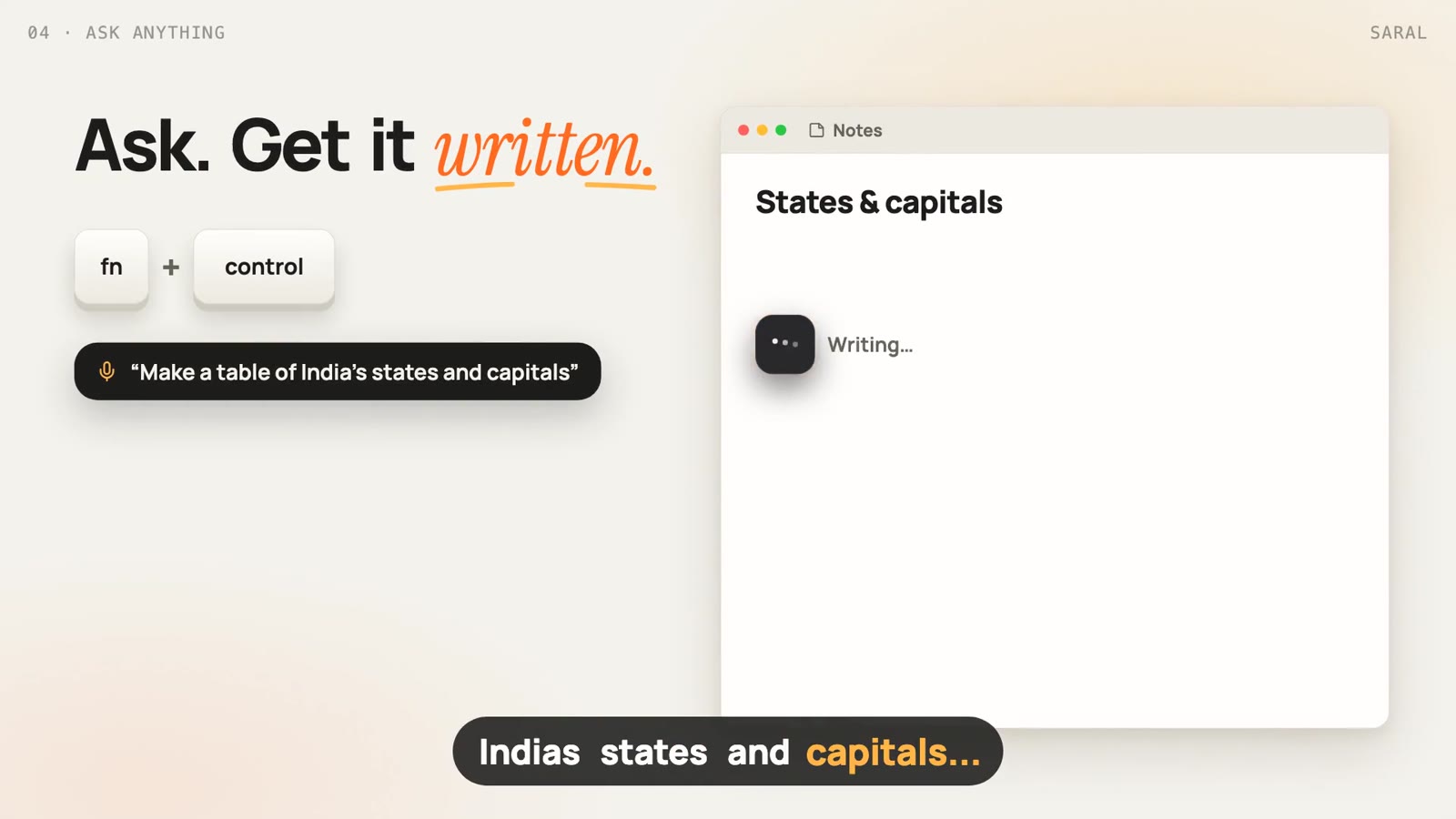
- Hold a global shortcut, speak, and cleaned text is inserted at the cursor. A hands-free mode is there too.
- Six speech and AI providers with retries and auto-switching, falling back to offline Whisper when one fails.
- Native macOS and Windows code that finds the active text box, skips password fields and keeps API keys in the OS keychain.
- AI editing on selected text, vocabulary corrections, snippets, per-app writing styles, and Hinglish and native-script options.
- Releases set up with GitHub Actions, building three DMG and NSIS installers per chip type with Python bundled inside.
A decision I like
The app validates the destination and the selection before it changes any text.
Where it fits
If you have tried Wispr Flow, Superwhisper, WhisperType, MacWhisper or the dictation built into macOS and Windows, HeySaral is the same kind of tool: you talk, it types. It is free, runs on both Mac and Windows, handles Hindi and English mixed together, and switches to Whisper on your own machine when a cloud speech provider fails.
I built the desktop app. Logo and marketing site by a collaborator.